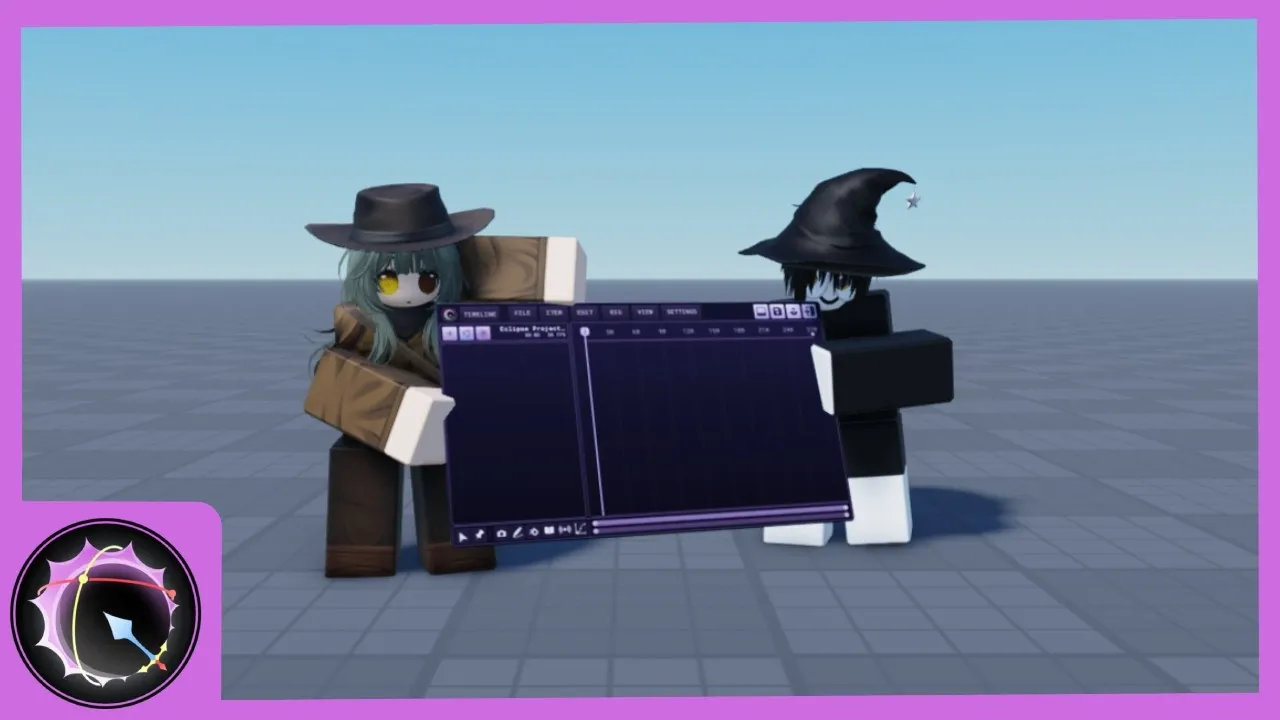
Eclipse Animator Roblox
Fan-WikiEclipse Animator ist das neue Roblox-Studio-Animationsplugin, inspiriert von Blender und Moon Animator — inverse Kinematik, Unparenting, Live-Bearbeitung und Unterstützung jedes Roblox-Animationstyps, gestartet als Flaggschiff-Alternative zu Moon Animator. Für ein begrenztes Startfenster kannst du es kostenlos sichern und für immer behalten, bevor es kostenpflichtig wird. Dieses Wiki deckt die ganze Eclipse Animator Roblox Geschichte ab: das Gratis-Sicherungs-Fenster, die Installation, den IK-Workflow und den Vergleich mit Moon Animator und dem eingebauten Studio-Editor.
Frisch vom Plugin
Eclipse Animator Beginner Tutorial: Your First Animation
Eclipse Animator Install and Setup
Eclipse Animator Roblox Plugin: The Complete Guide
How to Get Eclipse Animator Free
Animation Types Eclipse Animator Supports
IK and Rigging in Eclipse Animator
Eclipse Animator vs Moon Animator
Eclipse Animator vs the Built-In Animation Editor
Animieren in vier Schritten
Vom Sichern zur ersten Animation
Gratis sichern
Eclipse Animator Roblox startete mit einem begrenzten Gratis-Fenster vor der Paywall — der Guide erklärt, wie das Sichern das Plugin dauerhaft an dein Konto bindet.
Installieren & einrichten
Ein Klick vom Roblox Creator Store ins Studio — der Setup-Guide deckt Installation, Interface und das erste Rig ab.
Workflow lernen
Keyframes, die Timeline und der IK-Schalter — das Anfänger-Tutorial begleitet eine komplette erste Animation auf die Eclipse-Art.
Über die Basics hinaus
Unparenting, Live-Bearbeitung und Multi-Rig-Szenen — die Feature-Seiten zeigen, was Eclipse Animator Roblox kann und der eingebaute Editor nicht.
Diese Woche am häufigsten gelesen
Im Trend
Eclipse Animator Beginner Tutorial: Your First Animation
A complete first animation in the Eclipse Animator Roblox plugin — keyframes, the timeline and the IK toggle, built as a walk cycle in one sitting.
Eclipse Animator Install and Setup
From claim to first rig — installing Eclipse Animator in Roblox Studio, the interface tour, and the first-session settings worth checking.
Eclipse Animator Roblox Plugin: The Complete Guide
The complete guide to the Eclipse Animator Roblox plugin — what it is, why the launch caused a stampede, and what claiming it free really means for your account.
How to Get Eclipse Animator Free
The Eclipse Animator free-claim window explained — how claiming tied the plugin to your account permanently, and what changes now that it is paid-only.
Animation Types Eclipse Animator Supports
What the Eclipse Animator Roblox plugin can animate — rigged character animation, cutscene choreography, multi-rig scenes and the edge cases to know.
IK and Rigging in Eclipse Animator
The inverse kinematics toggle, unparenting and live editing — the rigging features that make the Eclipse Animator Roblox workflow different.
Eclipse Animator vs Moon Animator
Eclipse Animator against Moon Animator — workflow, IK, features and price compared honestly for Roblox Studio animators choosing between the two.
Eclipse Animator vs the Built-In Animation Editor
Do you even need a plugin? Eclipse Animator against Roblox Studio's built-in Animation Editor — what the free tool does, what a plugin adds, which tool for which job.
Eclipse Animator Roblox FAQ
Straight answers about the Eclipse Animator Roblox plugin — the free claim, the price, the workflow, the Moon Animator question and where the lines are.
Eclipse Animator Beginner Tutorial: Your First Animation
A complete first animation in the Eclipse Animator Roblox plugin — keyframes, the timeline and the IK toggle, built as a walk cycle in one sitting.
Eclipse Animator Install and Setup
From claim to first rig — installing Eclipse Animator in Roblox Studio, the interface tour, and the first-session settings worth checking.
Eclipse Animator Roblox Plugin: The Complete Guide
The complete guide to the Eclipse Animator Roblox plugin — what it is, why the launch caused a stampede, and what claiming it free really means for your account.
How to Get Eclipse Animator Free
The Eclipse Animator free-claim window explained — how claiming tied the plugin to your account permanently, and what changes now that it is paid-only.
Animation Types Eclipse Animator Supports
What the Eclipse Animator Roblox plugin can animate — rigged character animation, cutscene choreography, multi-rig scenes and the edge cases to know.
IK and Rigging in Eclipse Animator
The inverse kinematics toggle, unparenting and live editing — the rigging features that make the Eclipse Animator Roblox workflow different.
Eclipse Animator vs Moon Animator
Eclipse Animator against Moon Animator — workflow, IK, features and price compared honestly for Roblox Studio animators choosing between the two.
Eclipse Animator vs the Built-In Animation Editor
Do you even need a plugin? Eclipse Animator against Roblox Studio's built-in Animation Editor — what the free tool does, what a plugin adds, which tool for which job.
Eclipse Animator Roblox FAQ
Straight answers about the Eclipse Animator Roblox plugin — the free claim, the price, the workflow, the Moon Animator question and where the lines are.
Was ist Eclipse Animator?
Eclipse Animator ist ein Roblox-Studio-Animationsplugin, veröffentlicht im Oktober 2026, inspiriert vom Blender-Workflow und positioniert als Flaggschiff-Alternative zu Moon Animator, nachdem dieses kostenpflichtig wurde. Der Funktionsumfang liest sich wie eine Community-Wunschliste: inverse Kinematik per Schalter, Unparenting für komplexe Rigs, Live-Bearbeitung während die Timeline läuft und Unterstützung jedes Roblox-Animationstyps.
Der Start wurde in der Roblox-Dev-Community wegen des Preismodells zur Nachricht: kostenlos zu sichern für ein begrenztes Fenster — etwa drei Tage — danach wird das Plugin rein kostenpflichtig. Gesicherte Kopien bleiben dauerhaft an dein Konto gebunden, was die Startwoche in einen Ansturm verwandelte. Dieses Wiki dokumentiert das Eclipse Animator Roblox Plugin seit dem Launch — die Sicherungs-Mechanik, den Workflow, die Vergleiche.
Alle Guides entdeckenTyp
Studio-Plugin
Inspiration
Blender
Highlight
IK-Schalter
Bearbeitung
Live
Startpreis
Gratis sichern
Status
Bezahlt nach Fenster
Alles zum Plugin, kartiert
Guides, Features, Vergleiche und Antworten — das komplette Toolkit.
Eclipse Animator Roblox Plugin Guide
Die komplette Orientierung.
Gratis bekommen
Das Sicherungsfenster, erklärt.
Installation & Setup
Vom Sichern zum ersten Rig.
Die Creator-Store-Installation in einem Klick
Der Interface-Rundgang — wo alles wohnt
Das erste Rig richtig laden
Erst-Sitzungs-Einstellungen, die sich lohnen
Anfänger-Tutorial
Deine erste Animation.
Walk CycleEine komplette erste Animation — Keyframes, Timeline und der IK-Schalter in einer SitzungIK & Rigging
Das Hauptfeature.
Animationstypen
Was es animieren kann.
Rigged-Character-Animation, voll unterstützt
Jeder Roblox-Animationstyp via Plugin
Cutscene- und Multi-Rig-Workflows
Die Edge-Cases, die man kennen sollte
vs Moon Animator
Der Streit, beigelegt.
vs eingebauter Editor
Braucht es überhaupt ein Plugin?
Häufig gestellte Fragen
Schnelle Antworten auf die häufigsten Fragen zum Eclipse Animator Roblox Plugin.
Das Sicherungsfenster ist der Moment.
Die Sicherungs-Mechanik, die Installation, der IK-Workflow und die Vergleiche — alles zum Eclipse Animator Roblox Plugin, seit dem Launchtag.